Learn a language and stay safe online this year
Two subscriptions worth getting right: the course you'll actually finish and the protection that runs quietly in the background.

Software subscriptions are easy to buy and easy to forget. Here's how to choose a language course and an antivirus plan that you'll still be glad you paid for next year.
Pick a course that fits your day
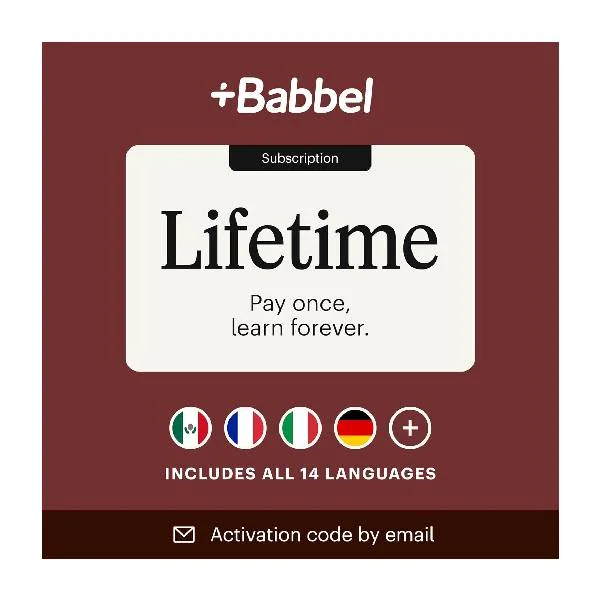
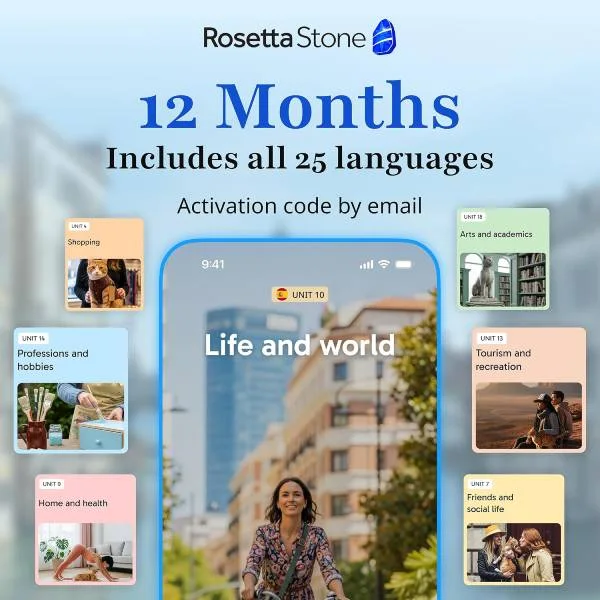
The best language course is the one you open daily. Babbel builds short, conversation-based lessons that fit into a commute or lunch break. Rosetta Stone leans on immersion, teaching through pictures and audio with very little translation. Try a free lesson of each before you commit and notice which one you want to come back to.
Lifetime or a few months?
A three-month plan is a low-risk way to test a habit before a trip. If you've already kept up a streak for a while, a lifetime licence usually costs less than two or three years of renewals. Our Babbel listings include both, so you can start small and upgrade later.
Protect every device, not just the laptop
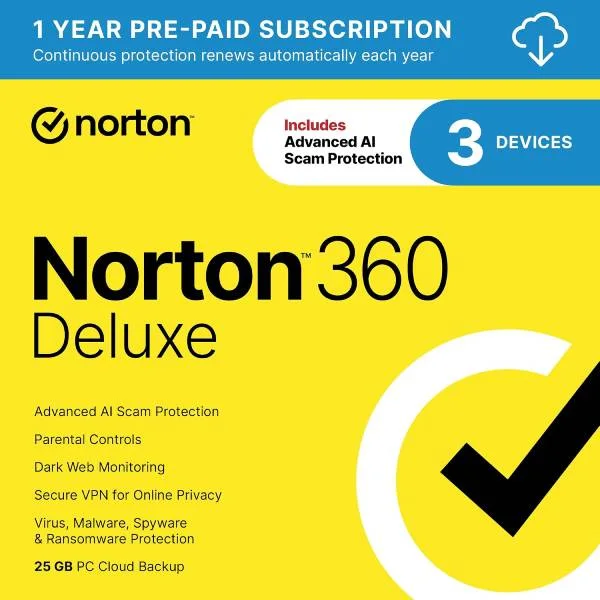
Phones and tablets carry the same banking and email logins as your computer. A multi-device plan like Norton 360 Deluxe or McAfee Total Protection covers them together, and most include a password manager and a VPN for public Wi-Fi.
Watch the renewal date
Many security subscriptions renew automatically at a higher price after the first year. Put the renewal date in your calendar the day you activate the code, then decide whether to renew, switch or cancel a couple of weeks before.
Checklist
- Try a free lesson before choosing a course
- Start with three months if the habit is new
- Cover phones and tablets as well as computers
- Turn on the password manager and VPN
- Add the renewal date to your calendar
Tip: Activation codes arrive by email. Redeem them on the publisher's site within a few days so any problem can be sorted quickly.